How to Set Up Your Credit Card for Contactless Payment
Get your phone ready to tap and pay — here’s how to link your credit card for contactless payment in no time.
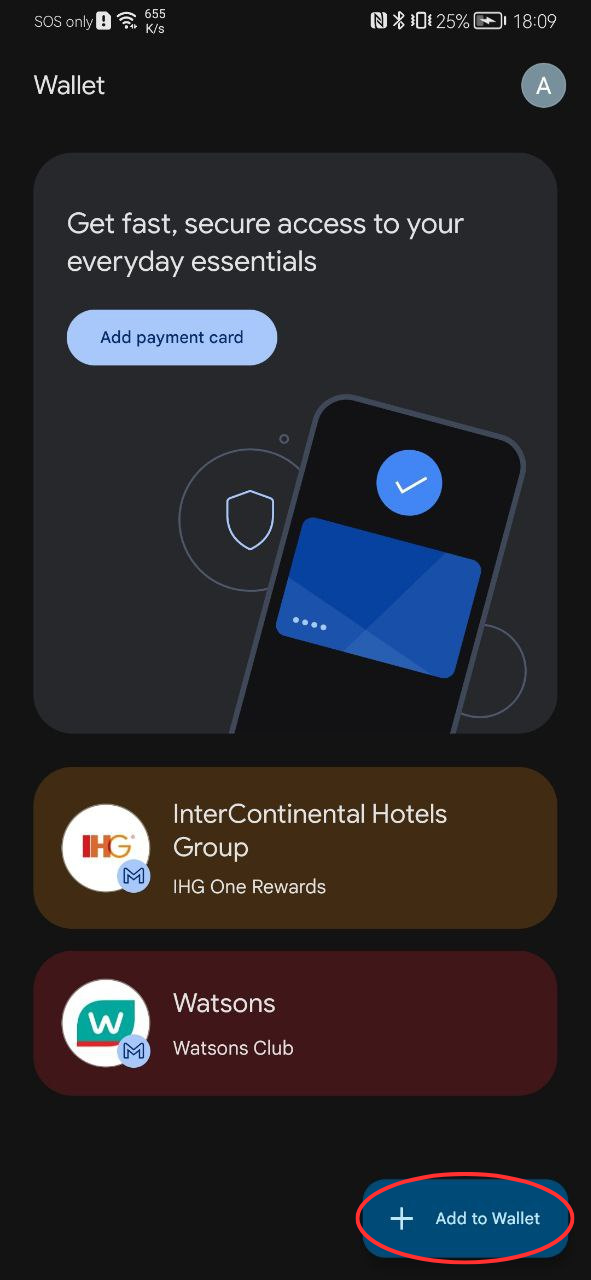
STEP #01
First, open the Payment app on your phone to begin adding your credit card. For example, for android devices, on the bottom-right corner, tap the “+ Add to Wallet” button to add a new card. On some devices, this option may appear as “Add a card” or “Set up payment method.”
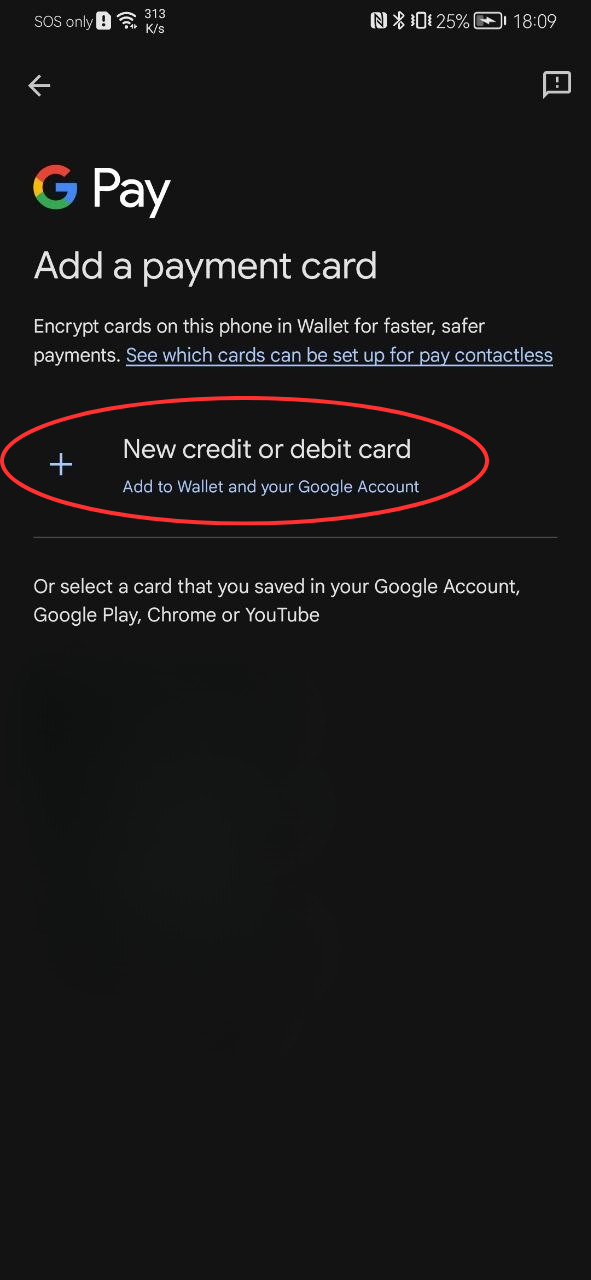
STEP #02
Then, you’ll be directed to the Add Card page.
Tap on “Add New Debit or Credit Card” to proceed.
On some devices, you might see options like “Add a new card” or “Add payment method.” Select the one for debit/credit cards.
STEP #03
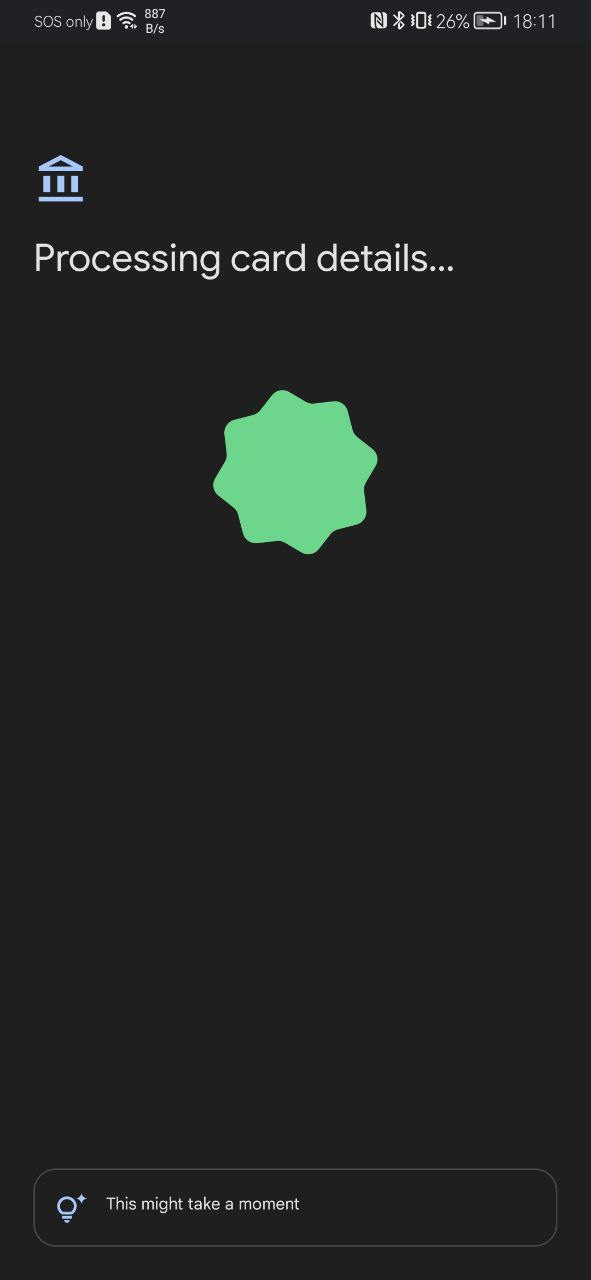
Follow the on-screen instructions to provide the card details.
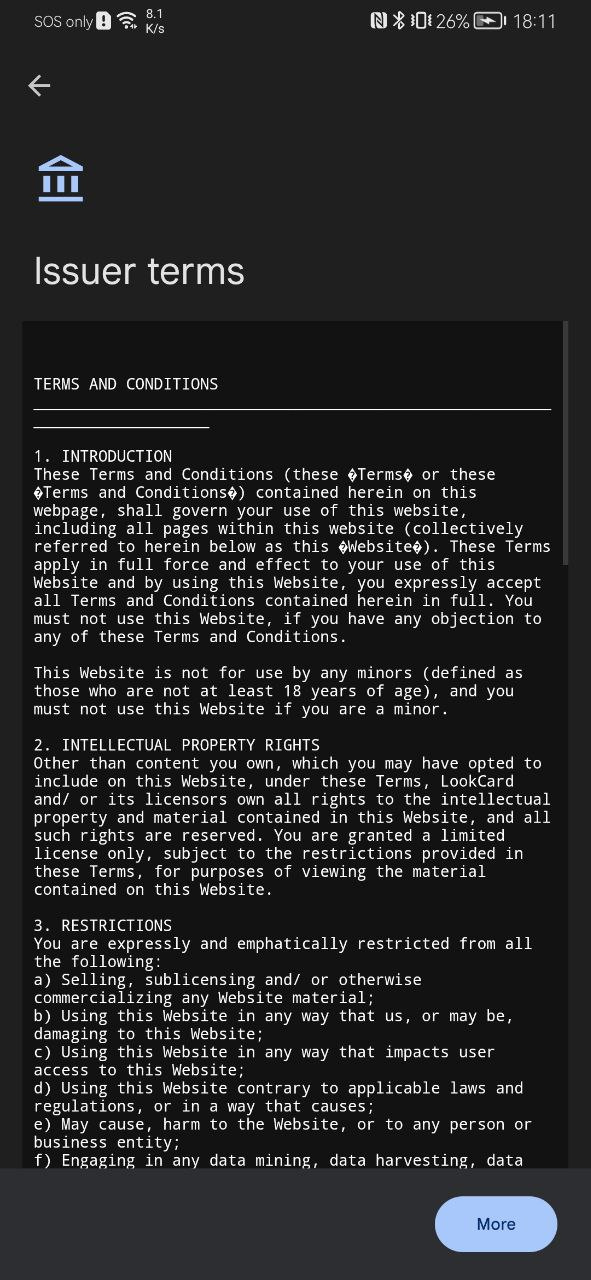
STEP #04
Read and agree to the issuer’s terms.
STEP #05
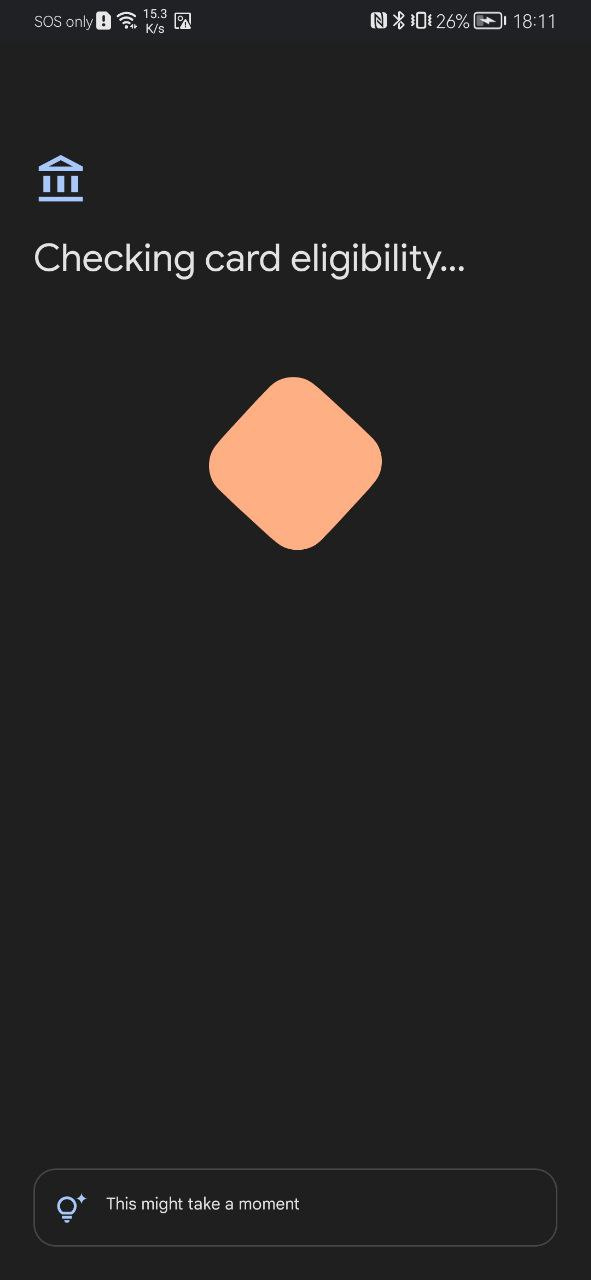
Follow the on-screen instructions to verify your card. This may include an SMS code or email verification.
STEP #06
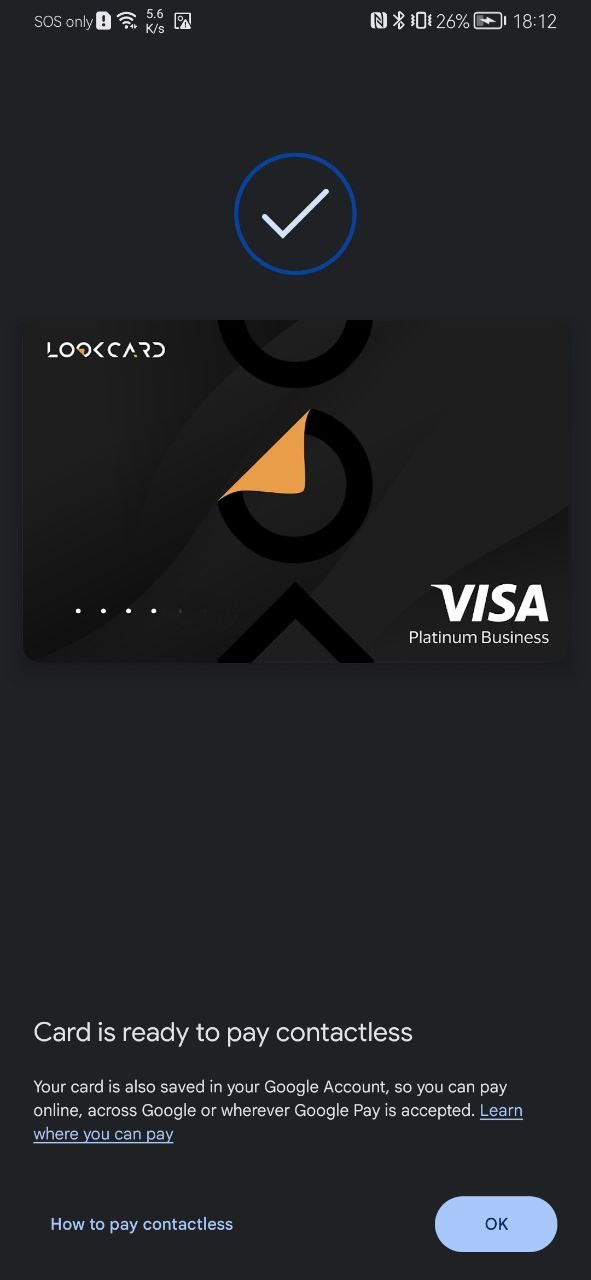
Once verification is complete, your card will appear in the Wallet app. You can now make payments with your phone wherever contactless transactions are accepted.
EN
EN
ZH
HK
EN
EN
ZH
HK
Cross-Border Access Restrictions
Please be advised that the promotion or distribution of our products and services beyond Hong Kong may be subject to regulatory requirements. The content on this website is intended solely for residents of Hong Kong.
By clicking “Continue,” you acknowledge that you have read and understood this advisory and are accessing the website independently, without any solicitation or promotion from LookCard+



 EN
EN  ZH
ZH  HK
HK