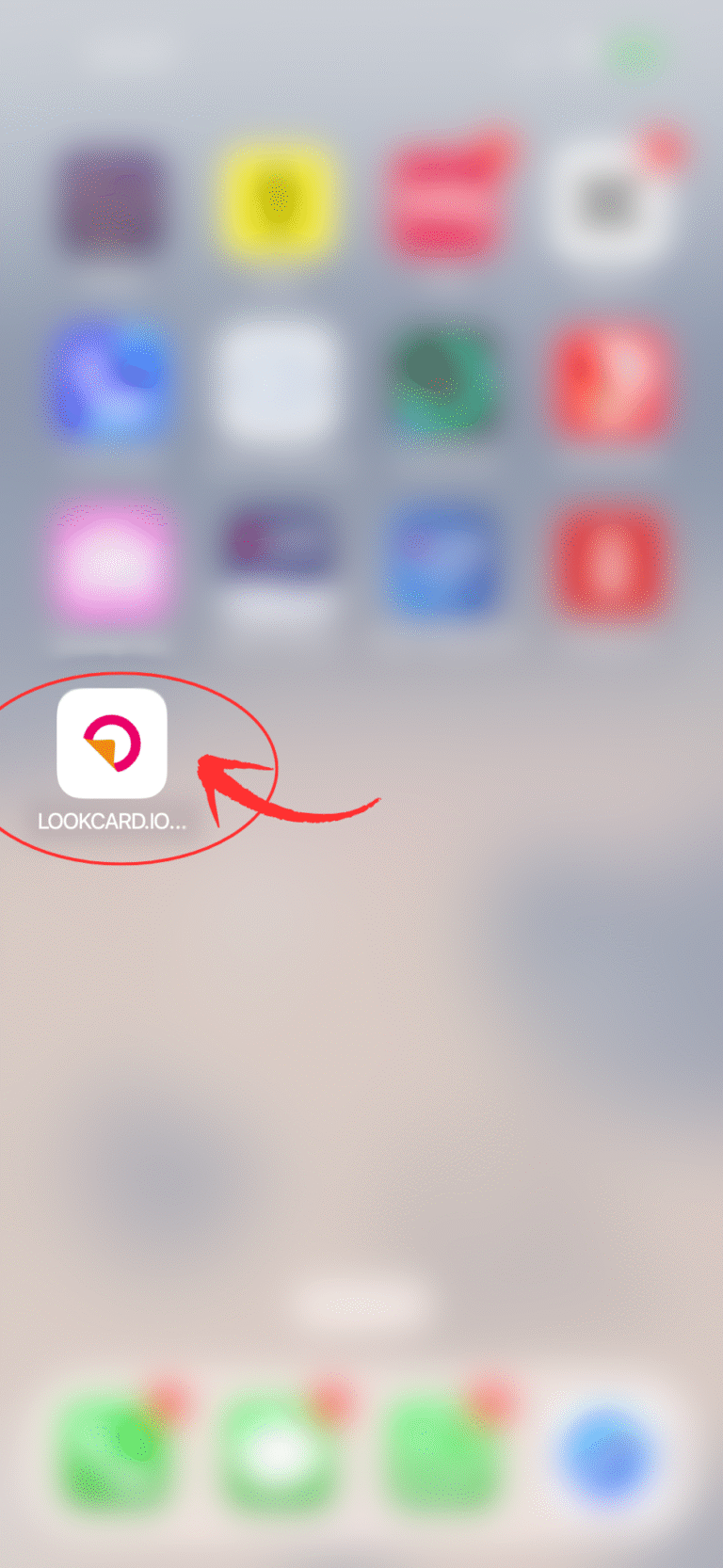
只需轻点一下,即可更快捷地浏览网页应用 —— 无需下载。
为了让您享受更顺畅、更接近原生 App 的体验,您可以将 LOOKCARD.IO 网页应用直接添加到手机主屏幕。这样,您就可以像使用普通 App 一样,立即浏览您的个人主页、卡片及各项服务。请按照以下简单步骤操作:
步骤 2:点击“分享”图标
步骤 3:选择“添加到主屏幕”
步骤 4:自定义名称
步骤 5:点击“添加”
步骤1: 安装应用提示窗口
当您首次访问此网页应用时,系统将自动弹出 “安装应用” 的提示窗口,询问您是否要安装。点击安装按钮,即刻把它加到您的主屏幕。
如果您没有看到自动弹出的安装提示,也无需担心!您仍然可以按照以下步骤手动将 LookCard 网页应用添加到主屏幕。
步骤2: 打开浏览器
步骤3: 添加至主屏幕
Email:
info@lookcard.io
Customer Support
WhatsApp:
Address (Hong Kong):
19A, Soundwill Plaza II Midtown. No:1-29 Tang Lung Street, Causeway Bay, Hong Kong.
Hours:
10:00AM – 08:00PM, Monday – Friday (GMT+8)
Email:
info@lookcard.io
Customer Support
WhatsApp:
Address (Hong Kong):
19A, Soundwill Plaza II Midtown. No:1-29 Tang Lung Street, Causeway Bay, Hong Kong.
Hours:
10:00AM – 08:00PM, Monday – Friday (GMT+8)
Please be advised that the promotion or distribution of our products and services beyond Hong Kong may be subject to regulatory requirements. The content on this website is intended solely for residents of Hong Kong.
By clicking “Continue,” you acknowledge that you have read and understood this advisory and are accessing the website independently, without any solicitation or promotion from LookCard+